
01
Supported Structure Inputs
Enter SMILES, InChI, or draw a molecule in the editor to locate exact or related chemical records.
- SMILES and canonical SMILES
- InChI and Mol structure files
- Edit a result structure and search again
STRUCTURE SEARCH
Enter SMILES or InChI, or draw a molecule, then choose a search mode to begin.
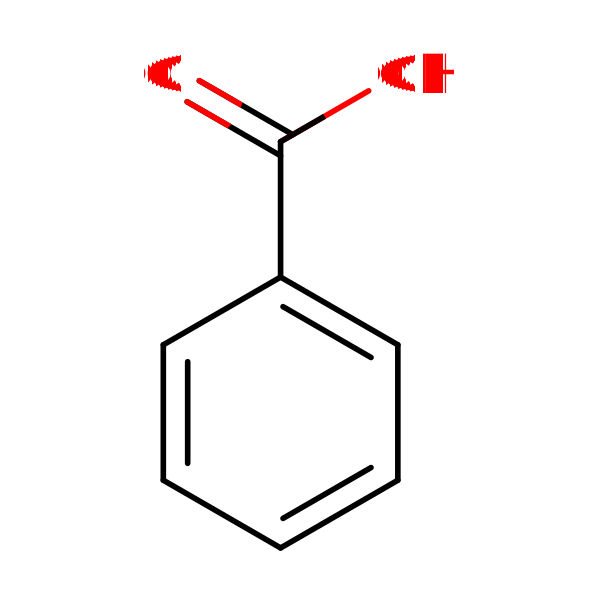
Choose search mode
Confirm compounds that exactly match the current structure.
Enter SMILES, InChI, or draw a molecule in the editor to locate exact or related chemical records.
Choose exact, similarity, or substructure search depending on the sourcing and R&D question.
Refine results by keyword, CAS, and similarity score, then open product detail pages when records are available.